
History Step Back
Use Back at the top of the map to return to the previous map state after a supported interaction.
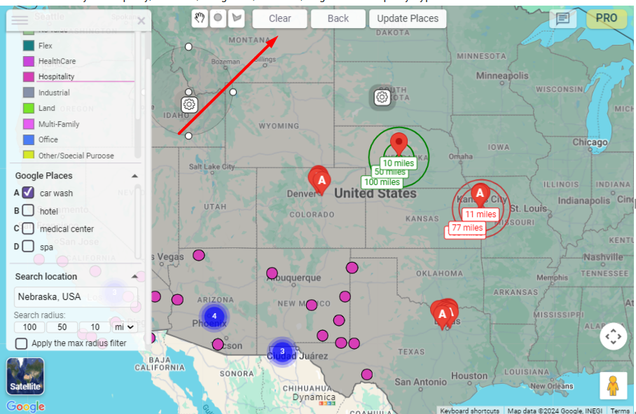
Clear the map state
Clear resets changes made through legend and marker filtering, Address Search, polygons, activated Google Places, custom layers, and displayed radii.
Zoom to a marker
- Open a marker tooltip.
- Select Zoom to move closer to that location.
Hide optional controls
- Hide Google Map Labels removes labels from the base map.
- Hide Polygon Controls removes the circle and polygon drawing controls.
- Hide Navigation Controls removes Pegman according to the source guide.