Enable legend filtering
- Open the PRO menu and enable Legend Filter.
- Add a field to Categories (PRO).
- Select a category in the legend to filter the displayed records.
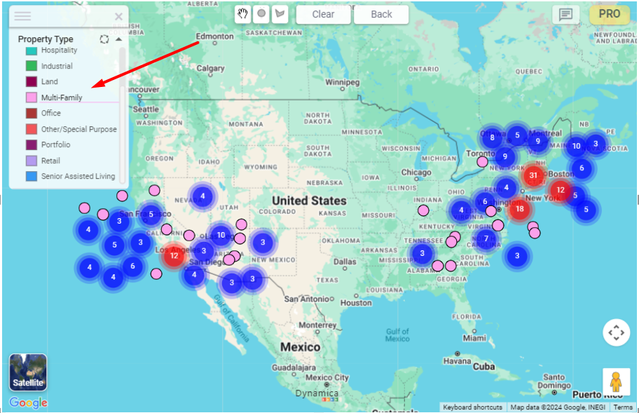
When disabled
Note
When Legend Filter is turned off, selecting legend categories does not filter the map.