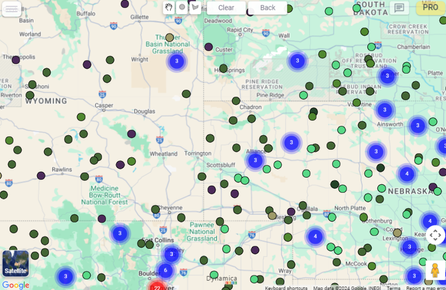
Documentation/Search & layers Search & layers Marker shape Switch report markers between circles and pushpins. Select a shape Open the PRO menu. In Pro Configuration, locate Marker Shape. Select Circle or Pushpin. Return to the map; markers update automatically. Marker Shape setting and updated map markers Previous← Google Places Search NextCustom layers →