Enable Auto Zoom
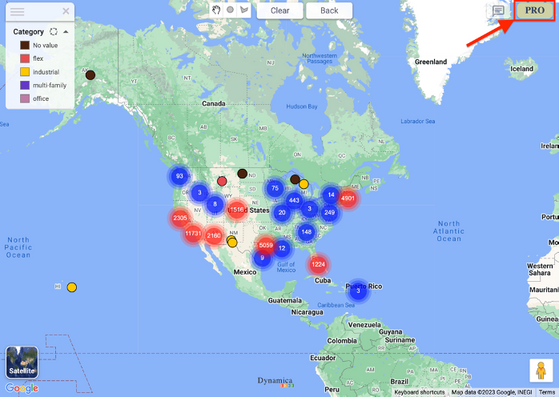
- Select the PRO control in the upper-right corner of the map.
- Open Pro Configuration.
- Enable Auto Zoom.
Supported filtering
The guide states that Auto Zoom works with legend filtering, external visuals, and polygons.
Note
The guide states that Auto Zoom does not work with radius filtering on markers, Google Places, or Address Search.